
3D printing at home is no longer complicated or expensive. With the right setup, anyone can start creating toys, tools, decorations, and even articulated models using STL and 3MF files.
If you’re planning to print flexi toys, articulated dragons, or mini models, this guide will help you start the right way
3D printing basics explanation
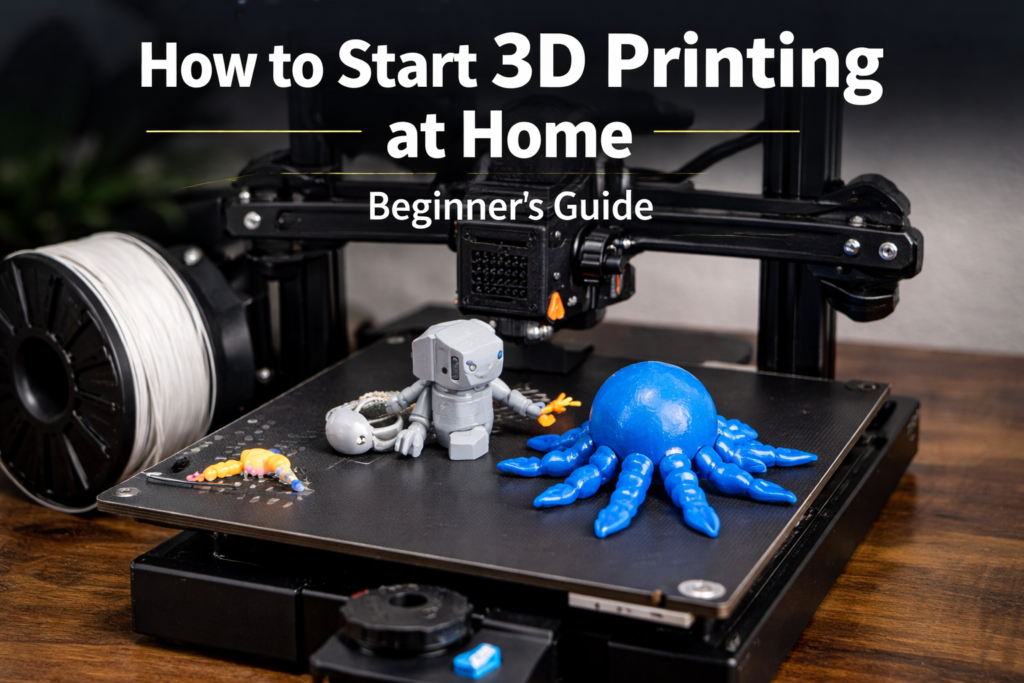
What Is 3D Printing?
3D printing is a process where a machine builds objects layer by layer using melted plastic.
The printer follows a digital 3D model file, usually an STL or 3MF file.
👉 Most beginner-friendly models, such as flexi and articulated, are designed as print-in-place STL files, meaning no assembly is required after printing.
What You Need to Start 3D Printing at Home
1️⃣ A 3D Printer (Beginner-Friendly)
For home use, choose an FDM printer. These printers are reliable and well supported.
Look for:
- Auto bed leveling
- Quiet motors
- Easy calibration
- Strong community support
FDM printers work perfectly with flexi STL files and articulated models.
(Beginner STL Files for FDM Printers)
2️⃣ Filament (Printing Material)
PLA filament is the best starting material.
Why PLA is ideal:
- Easy to print
- Low warping
- Good detail
- Affordable
PLA is widely used for:
- Flexi toys
- Articulated animals
- Print-in-place STL files
(Recommended Flexi STL Files for PLA)
3️⃣ STL and 3MF Files (What You Actually Print)
To print anything, you need STL or 3MF files.
Popular beginner-friendly model types:
- Flexi toys
- Articulated animals
- Print-in-place figures
- Mini decorative objects
👉 STL bundles are great for beginners because they include tested models that print reliably.
STL Bundle)
4️⃣ Slicer Software
A slicer converts your STL or 3MF file into printer instructions.
Popular slicers:
- Cura
- PrusaSlicer
- Bambu Studio
Most professional STL products are optimized to work with default slicer settings, especially flexi and articulated models.
Cura 3D printing slicer software
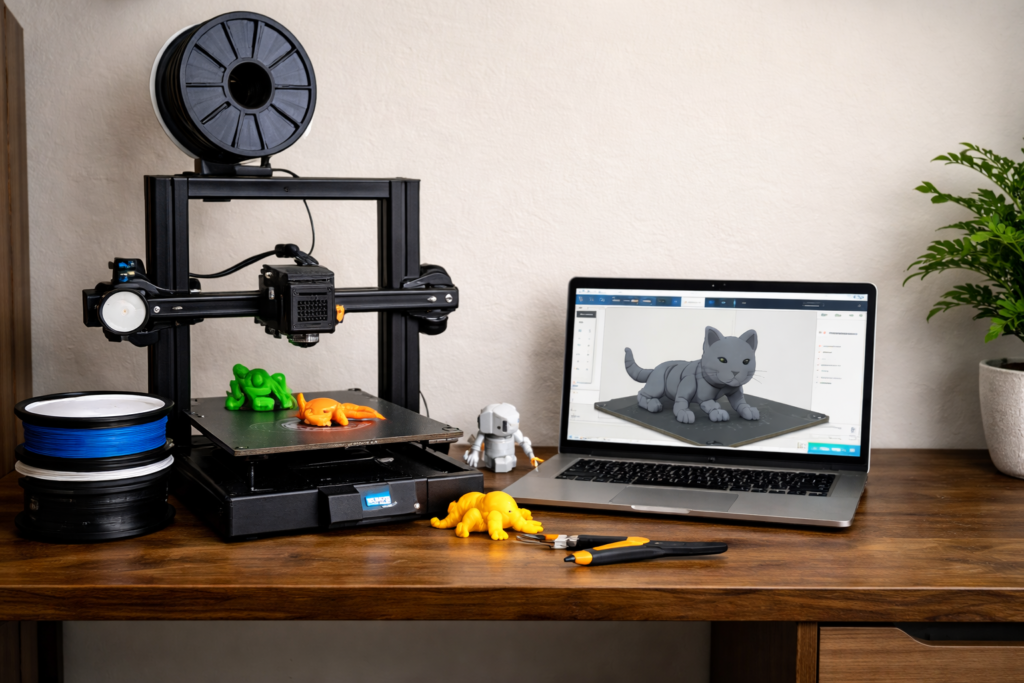
Step-by-Step: How to Start Printing at Home
Step 1: Set Up Your Printer
Place your printer on a stable surface and follow the manual.
If you plan to print flexi STL files, stability is important to avoid layer shifts.
Step 2: Level the Print Bed
Proper bed leveling is critical, especially for:
- Print-in-place dragons
- Flexi toys
- Articulated models
A bad first layer can cause flexi joints to fail.
Best Flexi STL Files for Beginners
Step 3: Load Filament
PLA works best for:
- Flexi mini dragons
- Baby dragon STL prints
- Decorative toys
Avoid advanced filaments until you gain experience.
Step 4: Choose a Beginner STL File
Start with:
- Small flexi animals
- Mini articulated dragons
- Simple print-in-place toys
Large or complex models are better once you gain confidence.
Step 5: Slice the File
Use default slicer settings at first.
Most professional STL sellers provide pre-tested models that work well with default profiles.
Optimized STL & 3MF Files)
Step 6: Start Printing
Always watch the first layer.
Once the first layer is perfect, flexi STL prints usually succeed without problems.
Common Beginner Problems (And Solutions)
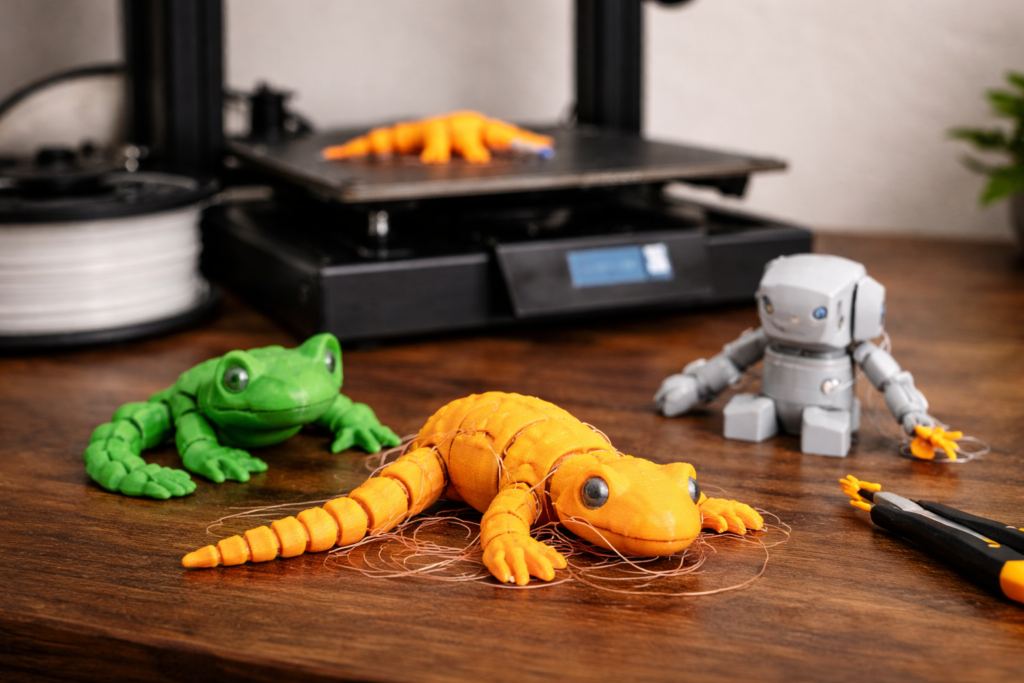
❌ Flexi Parts Not Moving
✔ Lower printing temperature
✔ Improve bed leveling
✔ Use high-quality STL files
❌ Prints Breaking Easily
✔ Increase wall thickness
✔ Use PLA+
✔ Choose models designed for durability
What Can You Print at Home?
With the right files, you can print:
- Flexi toys
- Articulated dragons
- Mini dragons
- Baby dragon figures
- Desk decorations
Many beginners eventually move from printing for fun to selling prints or STL files online.
Final Tips for Beginners
✅ Start with simple STL files
✅ Use PLA filament
✅ Print flexi models designed for beginners
✅ Avoid random low-quality files
Choosing the right STL files makes learning 10× easier.
Conclusion
Starting 3D printing at home is easy when you have:
- A basic FDM printer
- PLA filament
- Well-designed STL or 3MF files