
If you want to start 3D printing at home or sell printed models, understanding STL files is essential. STL files are the backbone of almost every 3D printing project, and knowing how to use them correctly will save you time, money, and frustration.
In this guide, we’ll explain what STL files are, how they work, their advantages and limitations, and how Get3Dstl.com can make your 3D printing experience easier and more professional
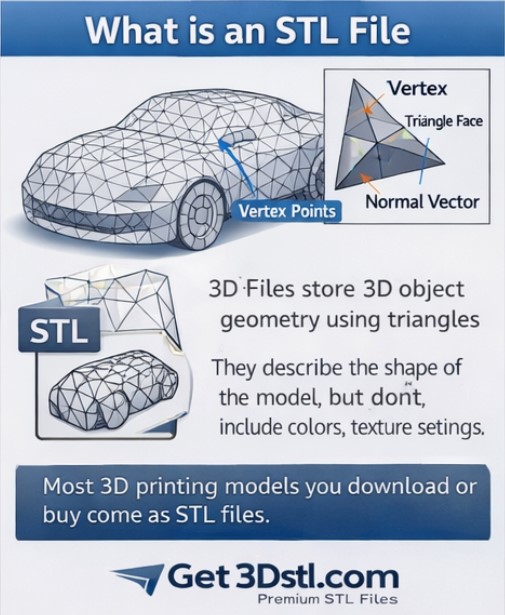
What is an STL File?
STL stands for STereoLithography or Standard Triangle Language.
- STL files store 3D object geometry using triangles.
- They describe the shape of the model, but do not include colors, textures, or print settings.
- This simplicity makes them compatible with almost all 3D printers and slicer software.
Why it matters: Every model you download or buy for 3D printing usually comes in STL format.
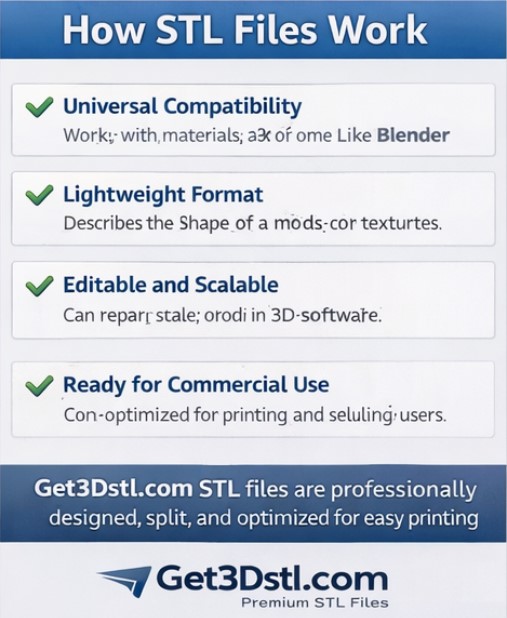
How STL Files Work
- Model Creation: 3D designers create models in software like Blender.
- Export as STL: The software converts surfaces into a triangular mesh.
- Slicer Software: Programs like Cura, PrusaSlicer, or Chitubox interpret STL files and generate G-code for printers.
- Printing: The printer reads the G-code and prints the 3D object layer by layer.
Tip: Using ready-to-print STL files from Get3Dstl.com saves time because the models are optimized and ready for slicing.
Advantages of STL Files
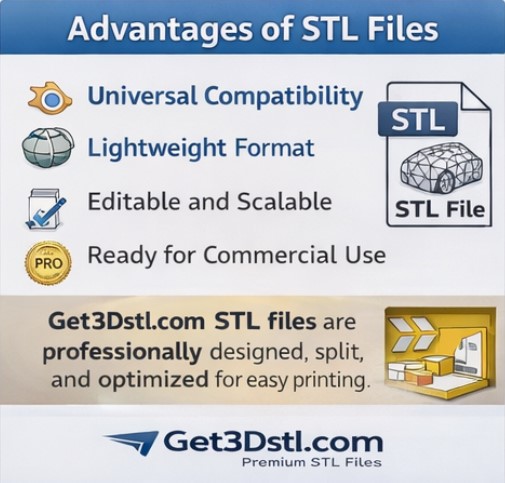
- Universal Compatibility: Works with nearly all 3D printers.
- Lightweight: Smaller than formats that store colors or textures.
- Editable: Can repair, scale, or modify in 3D software.
- Ready for Commercial Use: STL files from Get3Dstl.com come optimized for printing and selling products.
Unlike free platforms, Get3Dstl.com STL files are professionally designed and split for easy printing, which reduces errors and wasted filament.
Limitations of STL Files
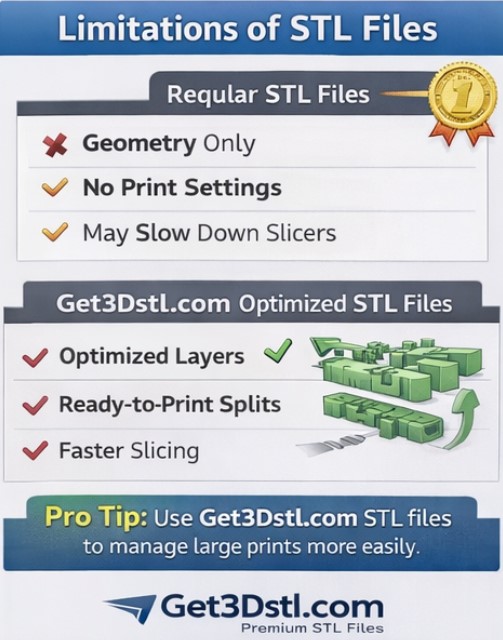
While STL files are essential, they do have some limits:
- No color or texture: Only stores geometry.
- No slicer settings: You must choose layer height, supports, and infill.
- Large files for complex models: Highly detailed models may slow slicers.
Pro Tip: STL files from Get3Dstl.com are already prepared with optimized layers and splits, making large prints easier to manage.
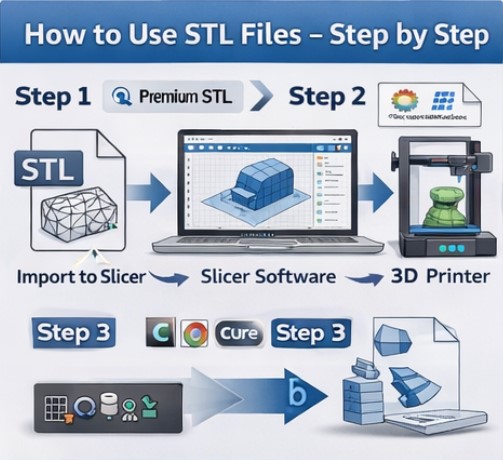
How to Use STL Files Step by Step
Step 1: Choose Your STL File
- Download free models from Thingiverse (optional, beginner use).
- Use premium, ready-to-print STL files from Get3Dstl.com for high-quality results.
Step 2: Import into Slicer
- Recommended slicers: Cura, PrusaSlicer, Chitubox.
- Check orientation, scale, and supports.
Step 3: Adjust Print Settings
- Layer height, infill, and print speed.
- Get3Dstl.com STL files often include recommended settings.
Step 4: Generate G-code
- Slicer converts STL into printer-readable instructions.
Step 5: Start Printing
- Send G-code to your printer and start your 3D project.
Check out our Get3Dstl.com premium STL collection for ready-to-print models
Download free models from Thingiverse or Printables to practice, but for premium ready-to-print models, check out Get3Dstl.com
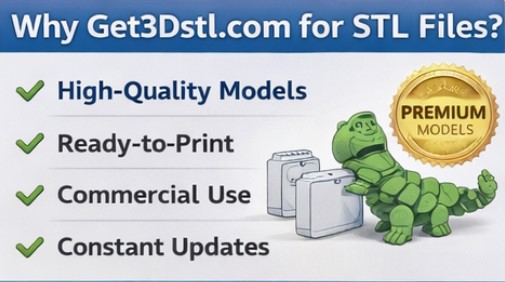
Why Choose Get3Dstl.com for STL Files
- High-Quality Models: Professionally designed STL files for smooth printing.
- Ready-to-Print: Files split for easy assembly.
- Commercial Use: Sell prints legally without hassle.
- Constant Updates: New STL packs added regularly.
While Thingiverse is free and good for testing, Get3Dstl.com gives you professional-quality models ready for home printing or business use.
STL vs Other File Formats
| Feature | STL | 3MF | Chitubox (CTB) |
|---|---|---|---|
| Geometry | ✅ | ✅ | ✅ |
| Color / Texture | ❌ | ✅ | ❌ |
| Print Settings | ❌ | ✅ | ✅ |
| Editable | ✅ | ✅ | ❌ |
| Best Use | All printers | Modern projects | Resin printers |
| Recommended | Get3Dstl.com STL | 3MF for complex projects | CTB for resin |
Tip: For most home and business printing, STL files from Get3Dstl.com are sufficient and optimized
Conclusion
STL files are the foundation of 3D printing. Using them effectively means faster prints, fewer errors, and professional results.
By choosing Get3Dstl.com, you get ready-to-print STL files optimized for all printers, commercial-ready, and high-quality.
Whether you are a hobbyist or starting a 3D printing business, mastering STL files will make your workflow smoother and more profitable.
Check out our STL FILES PACK premium STL collection for ready-to-print models