
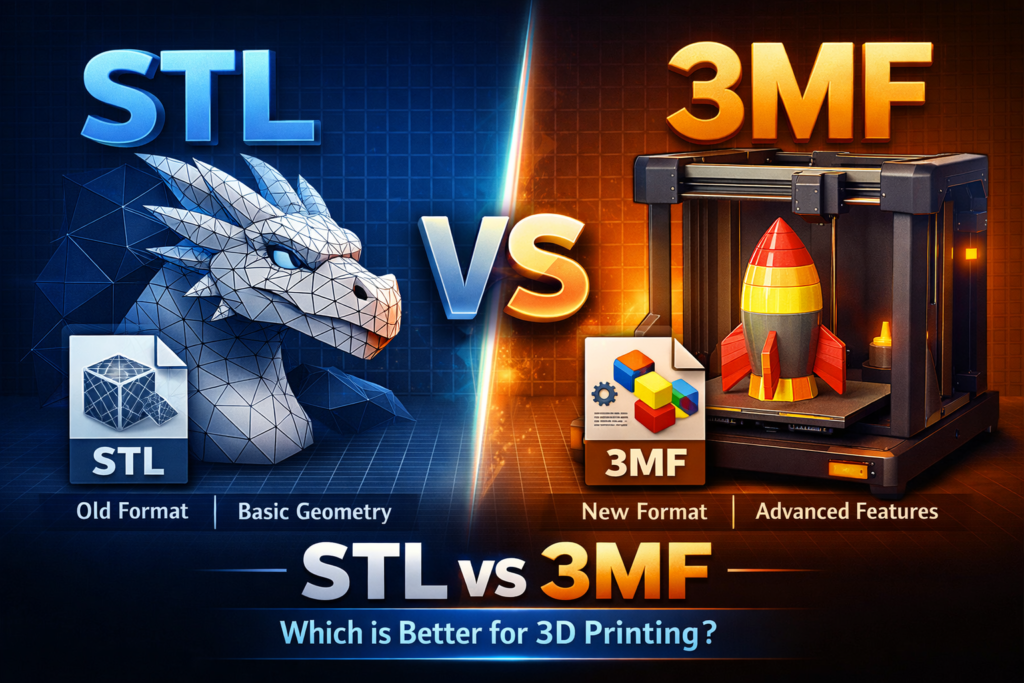
STL vs 3MF, 3D printing starts with a digital model, but choosing the right file format is critical for successful prints. The two most common formats today are STL and 3MF. While STL has been the industry standard for decades, 3MF is quickly becoming the modern alternative with more advanced features.
In this guide, you’ll learn the difference between STL and 3MF, their advantages, disadvantages, and which format you should use for your 3D printing projects.
What Is an STL File?
STL stands for Stereolithography, and it was created in 1987. It is the most widely used file format in 3D printing.
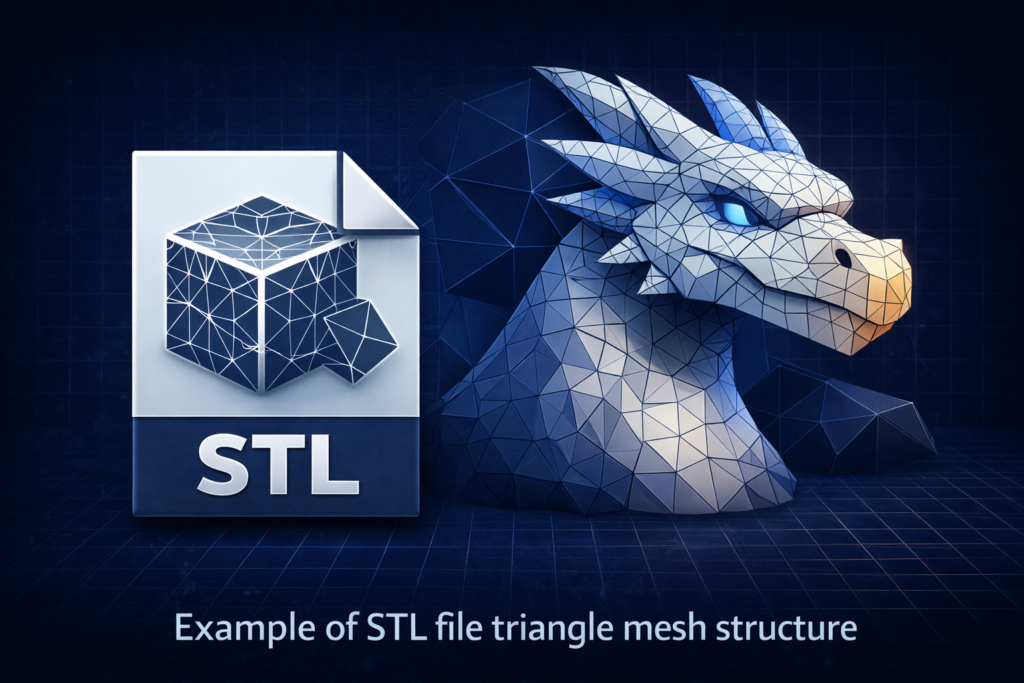
An STL file represents a 3D model using thousands of small triangles to recreate the surface geometry. The more triangles used, the more detailed the model will be
Key Features of STL Files
- Stores only the geometry of the model
- Compatible with almost all slicers and 3D printers
- Widely supported across all 3D printing platforms
- Easy to share and download
Advantages of STL
- Universal compatibility
- Simple format
- Supported by all slicers
- Best format for sharing models online
Disadvantages of STL
- Does NOT store color or material information
- Does NOT save print settings
- Files can be large
- Cannot store multiple objects efficiently
- May require repair if errors exist
STL files only describe the shape of the model and do not include printing settings, materials, or colors.
What Is a 3MF File?
3MF stands for 3D Manufacturing Format. It was developed in 2015 by the 3MF Consortium, including Microsoft, Autodesk, and Ultimaker.
Unlike STL, 3MF is a modern format designed specifically for 3D printing.
It stores:
- Geometry
- Print settings
- Colors
- Materials
- Supports
- Printer profiles
3MF files are like ZIP archives containing all print data in one file.
Key Advantages of 3MF Files
1. Stores Complete Print Information
3MF files can include:
- Print settings
- Supports
- Infill settings
- Materials
- Colors
This makes printing easier and more accurate.
2. Smaller File Size
3MF files are often smaller and more efficient than STL files.
3. Fewer Errors
3MF reduces common mesh errors such as:
- Holes
- Broken geometry
- Non-manifold meshes
4. Perfect for Multi-Color Printing
3MF supports multi-color and multi-material printing.
STL vs 3MF: Direct Comparison
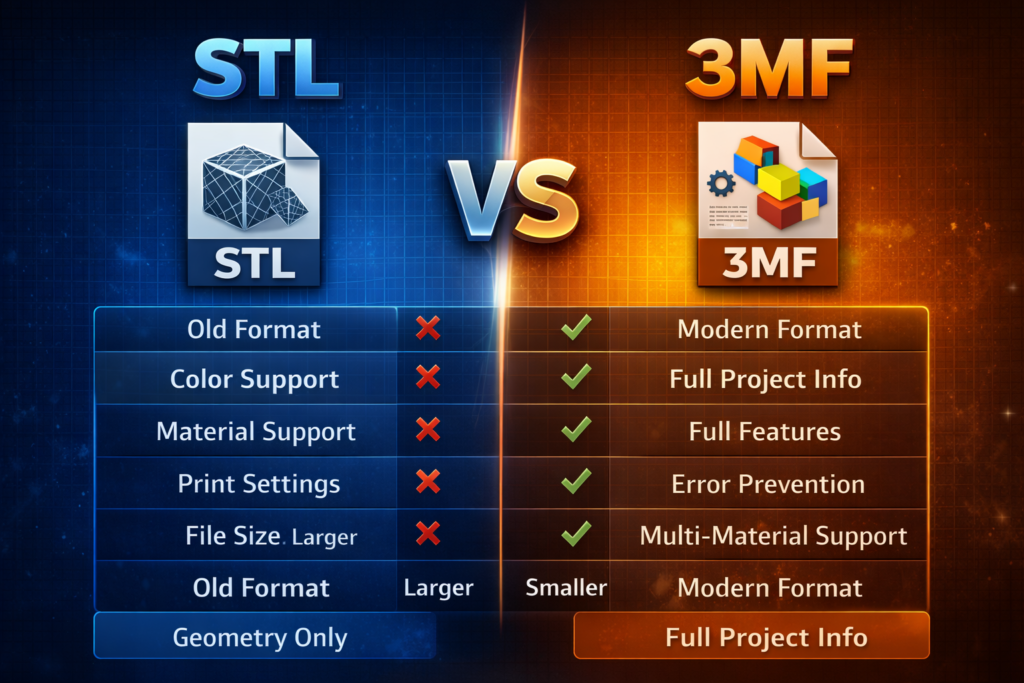
| Feature | STL | 3MF |
|---|---|---|
| Stores geometry | Yes | Yes |
| Stores colors | No | Yes |
| Stores materials | No | Yes |
| Stores print settings | No | Yes |
| File size | Larger | Smaller |
| Compatibility | Universal | Modern slicers |
| Error prevention | Low | High |
| Multi-material support | No | Yes |
Why STL Is Still Popular
Even though 3MF is technically superior, STL remains popular because:
- It has existed since 1987
- Supported by all printers and slicers
- Most online models use STL
- Easy to share
STL is still the standard format across most 3D model platforms.
Why 3MF Is the Future of 3D Printing
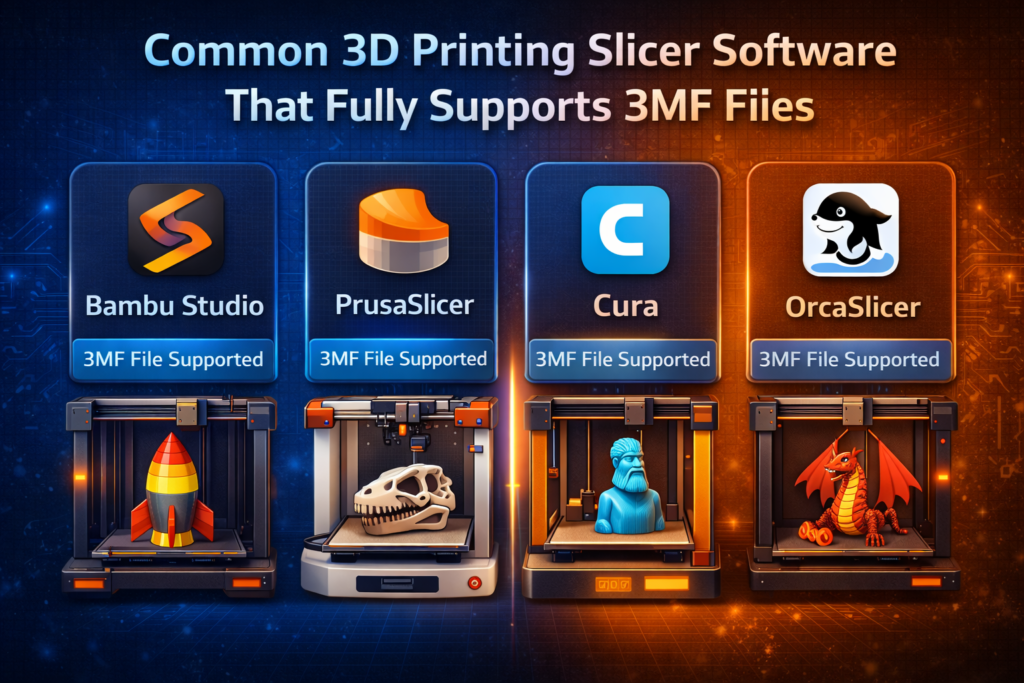
3MF is designed specifically to improve the 3D printing workflow.
It allows users to save the complete print configuration in one file, reducing errors and saving time.
Many modern slicers like:
now use 3MF as the default project format.
When Should You Use STL?
Use STL if:
- You want maximum compatibility
- You are sharing files online
- You are downloading models from websites
- You want simple geometry files
STL is best for distributing models.
When Should You Use 3MF?
Use 3MF if:
- You want to save print settings
- You use modern slicers
- You print multi-color models
- You want fewer errors
- You want better workflow efficiency
3MF is best for actual printing projects.
Best Format for Selling STL Files Online
If you sell 3D models on your website like GET3DSTL:
Use:
- STL → for customers (maximum compatibility)
- 3MF → optional, for advanced users
Providing both formats gives the best user experience.
Conclusion: STL vs 3MF Which Is Better?
Both formats are useful, but they serve different purposes.
Use STL for sharing and compatibility.
Use 3MF for better printing accuracy and workflow.
In 2026 and beyond, 3MF is expected to become the new standard, but STL will remain widely used for years.
STL vs 3MF
Is 3MF better than STL?
Yes, 3MF is more advanced and stores more information.
Why is STL still used?
Because it is universal and supported everywhere.
Can slicers open 3MF files?
Yes. Most modern slicers support 3MF.
Should I sell STL or 3MF files?
STL is required. 3MF is optional but recommended.